Stuck on the last line?Meet Clarence.
A caption-finishing skill for your own AI account. Give Clarence your opening line, and get three or four natural ways to end your Instagram or LinkedIn post.
Get Clarence, £17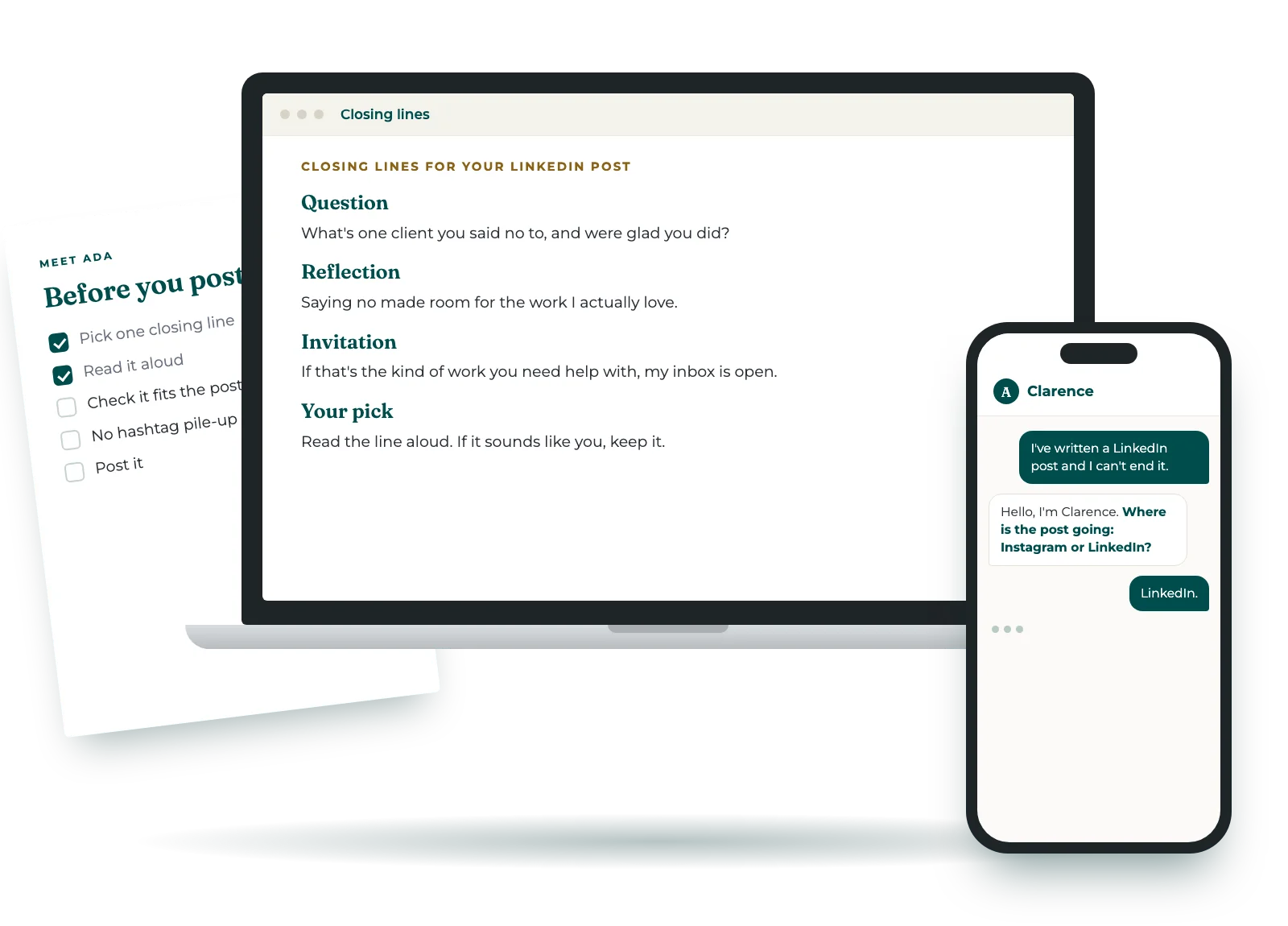
You've written the post. You know what you wanted to say. Then you get to the end, and every closing line you try sounds either pushy or limp. So you add "Thoughts?" and post it anyway.
Clarence only does that last bit. It doesn't write your post or rewrite your opening. It gives you a few closing lines that fit the post and the feeling you want to leave, and you pick the one that sounds like you.
Read the line aloud. If it sounds like you, keep it.
How it works
- Choose Instagram or LinkedIn. If you have a brand voice skill or document, bring it along. If not, Clarence keeps it calm and direct.
- Paste your opening line or a short description of the post. Then say what you want your reader to feel or do.
- Get three or four closing lines, each labelled by style. Read them aloud, and keep the one that sounds like you.
- I've written a LinkedIn post about turning down work that wasn't a good fit. I can't end it.
- Hello, I'm Clarence. Do you have a brand voice skill or document you'd like me to use?
- Not yet.
- That's fine. What do you want your reader to feel or do after reading?
- Feel it's OK to say no.
- Your closing options PermissionIt's fine to say no to work that doesn't fit. ReflectiveThe right clients are easier to see once you've made room for them. InviteHave you turned something down this year? Read them aloud. Keep the one that sounds like you.
Good to know
- If you paste the whole post, Clarence asks for just the ending. It doesn't review or rewrite the rest.
- Already written a closing? Clarence will tell you plainly whether it works, and why. If it does, you get one alternative, not four.
- It stays away from hype and "don't miss out". LinkedIn closings have no emojis, and Instagram ones have one at most.
- It covers Instagram and LinkedIn. Ask for another platform and Clarence will say so.
"Thoughts?" isn't an ending.
Clarence has better ones.
Where it lives
Clarence runs in your own AI account, so your posts stay with you.
It works in Claude, ChatGPT and Gemini, and you'll get setup steps for each one.
Questions
- Does it write the whole post?
- No. Clarence focuses on the closing lines, so your post stays yours.
- Which platforms does it cover?
- Instagram and LinkedIn, with the right length and emoji rules for each.
- Can it use my brand voice?
- Yes. Load your brand voice skill in your own account, or paste your document in. Clarence uses it for that session only.
- What if it doesn't work for me?
- If it doesn't install, or doesn't do what this page says, email us within 14 days and we'll fix it or refund you.
Get Clarence
- Clarence, a skill for Claude, ChatGPT or Gemini
- Three or four closing lines for each post, labelled by style
- Seven closing styles, matched to Instagram or LinkedIn
- A short checklist to keep, for finishing posts on your own
Secure checkout through Stan, with payment by Stripe. Your download link arrives straight away by email. Privacy notice · Terms.
Who's behind Clarence
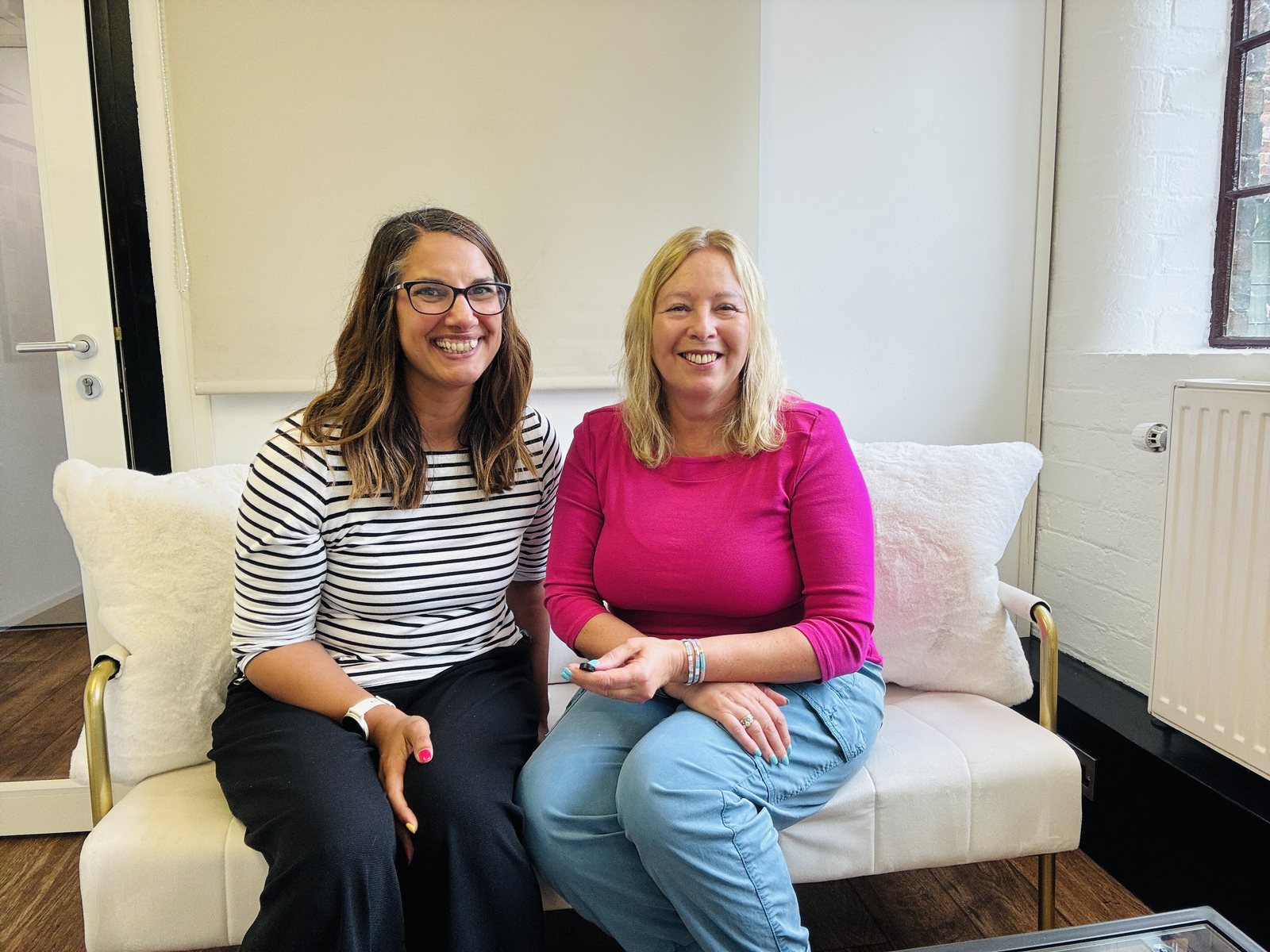
We're Jacqueline Leake and Nina Mistry, the two halves of Meet Ada. Jacqueline is an AI specialist and trainer who spends her days inside clients' accounts, seeing what's sitting in their heads that should be written down. Nina builds the tech. She takes what Jacqueline pulls out of people's heads and turns it into tools that bloody work. Simple ones. The kind you'll actually come back to.